Macro Terminal · Your own map
Then draw your own.
Every map in DESK is a starting point. The world map is also a sheet you can draw on — and what you draw stays yours.
Your own map
example sheet · drag the divider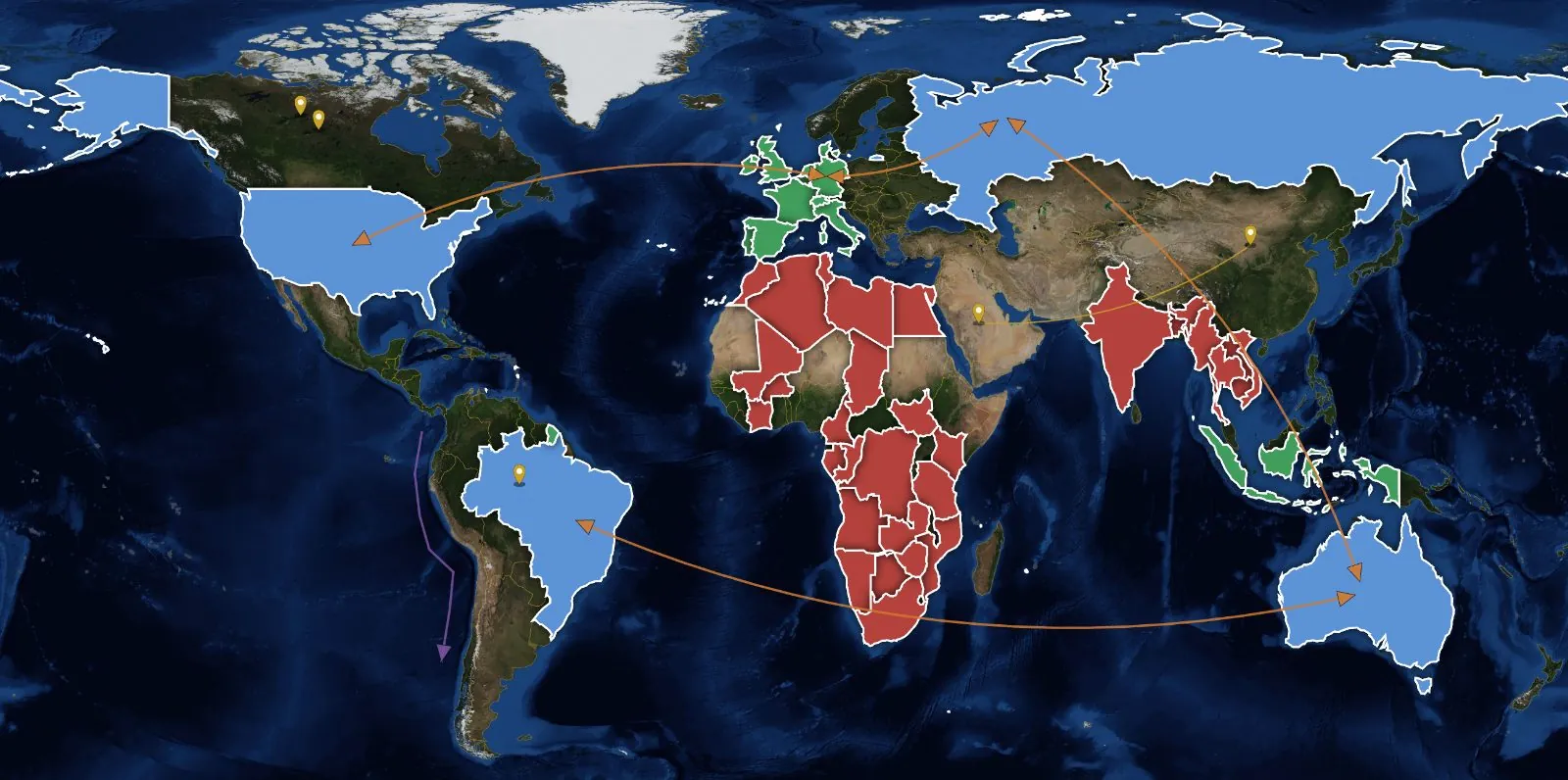
 FlatSatellite
supplierwatchlistsanctionedyour labels · flat or satellite ground
Example figures · click around
What you get
- Colour by formula: type a condition such as “inflation < 2 and growth > 3” and every country that meets it is coloured. Any of the 900+ indicators works, and conditions can be combined.
- Or colour by hand: click a country to mark it, or mix your own colour and name it — “supplier”, “sanctioned”, “watchlist”.
- Pins, arrows and paths, each with a note.
- Several sheets: name them, reorder them, switch between them.
- It stays with your account, not in one browser. Export a sheet to a file, import it again, or share it inside DESK.
- No time to draw? Ask DESK AI for a map — company headquarters, countries at war, trade connections — and add its draft to your sheets with one click.
Works on the world map and, one level down, inside a single country — states, cities, ports and rivers.
Rules, not busywork
One line of condition replaces an afternoon of colouring cells.
Your labels, your words
Name the colours after your own categories, not ours.
Sheets that travel
Export, import, share — the sheet is a file and an account item.
Built on
named on every panel in the appWorld Bank · OECD · CEPII BACI · Natural Earth · OpenStreetMap