What is inside
- Brokers & banks: products, margin rates, commissions and withdrawal costs, with links to each provider’s own price pages.
- Platforms: charting, execution and analysis tools, with their pricing.
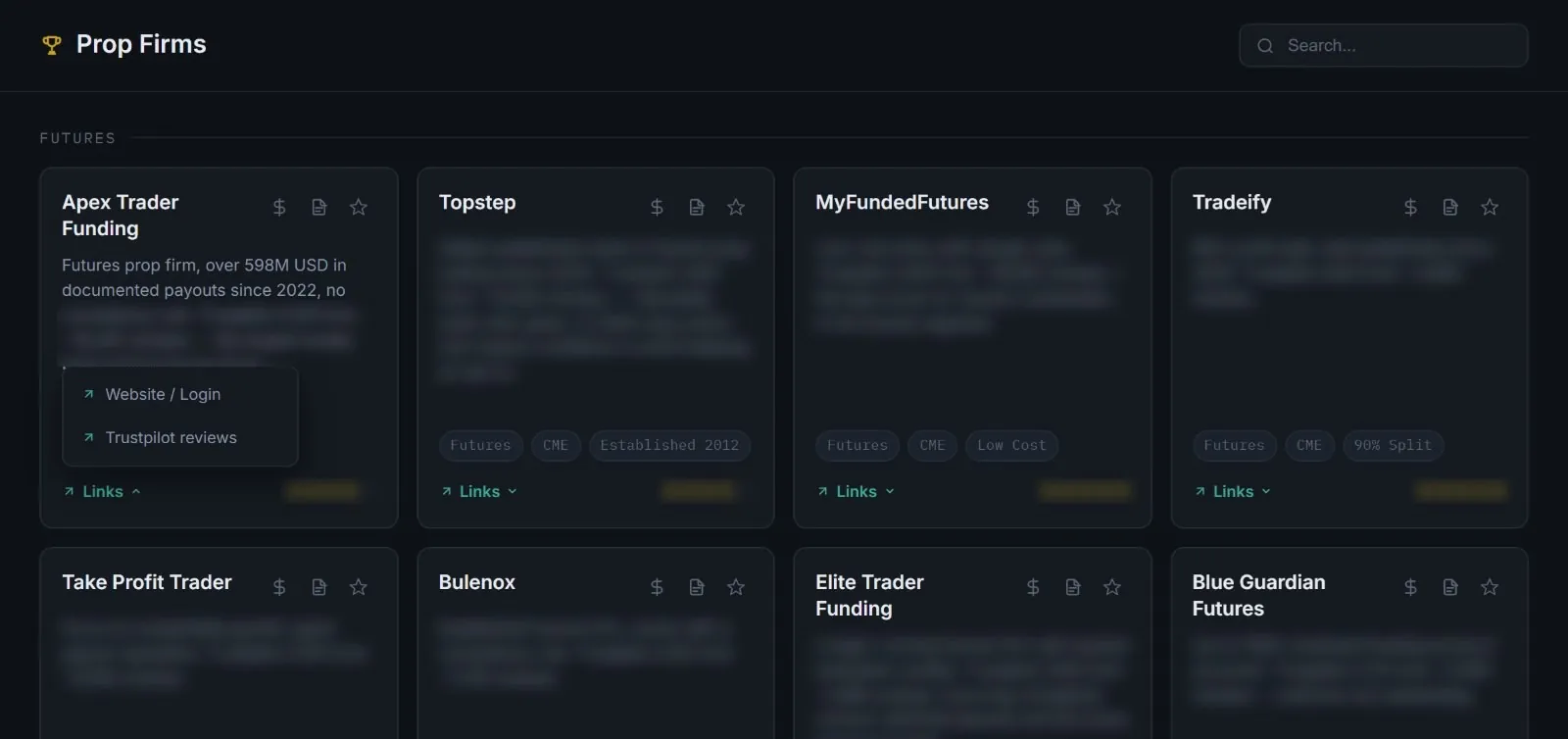
- Prop firms: account sizes, fee models and evaluation rules.
- Ratings from public review data — including where a review profile was flagged.
- Tags for stocks, futures, options, forex and crypto, to narrow the list.
- Your own note on every entry, and a star to keep it on your dashboard.
A guide, not a recommendation, and not investment advice.
Costs first
What an account really costs before it earns anything.
Rules in one place
Evaluation rules and fee models side by side.
Reviews read critically
Where a rating is doubtful, the entry says so.
Inside DESK
What it looks like.
Screens from the running app. The first entry in each list is readable; the rest is blurred here and open inside DESK.
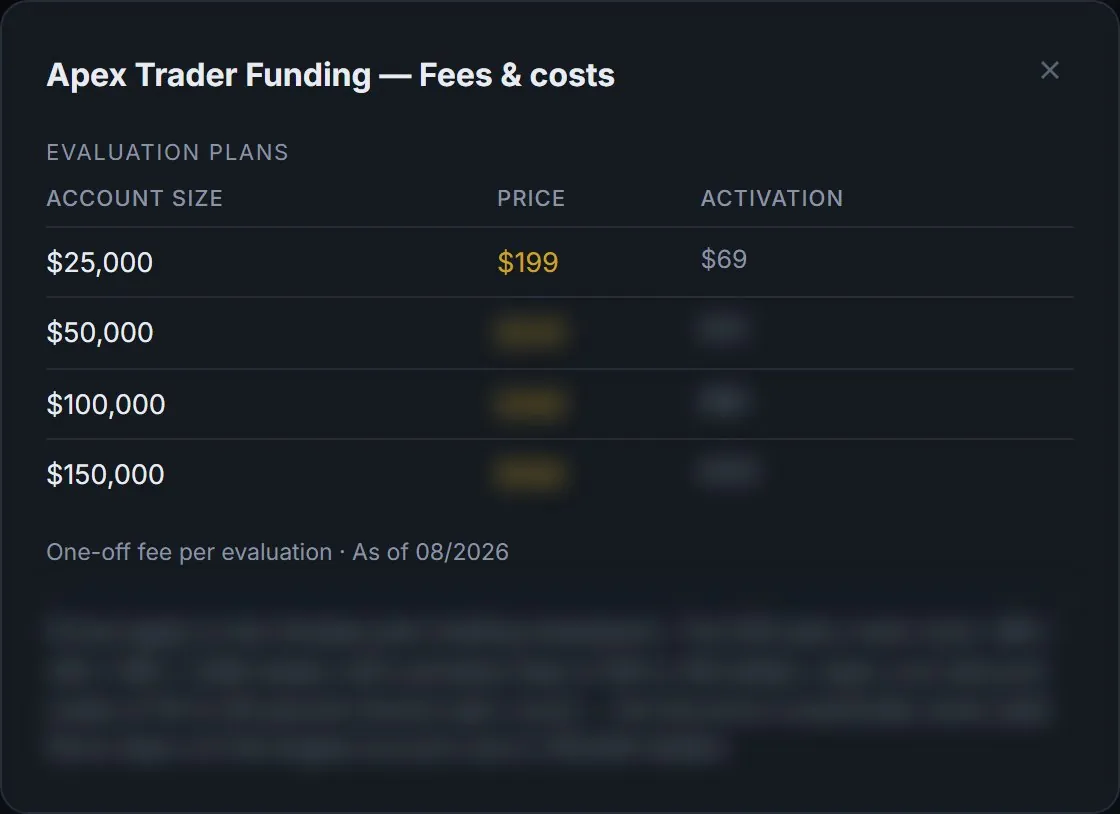
What an evaluation really costs
Every prop firm opens a cost sheet: account sizes, the evaluation fee, the activation fee on top, and a note on how the list price compares with what traders usually pay.
- Account sizes side by side
- Evaluation and activation fees apart
- The date the prices were checked
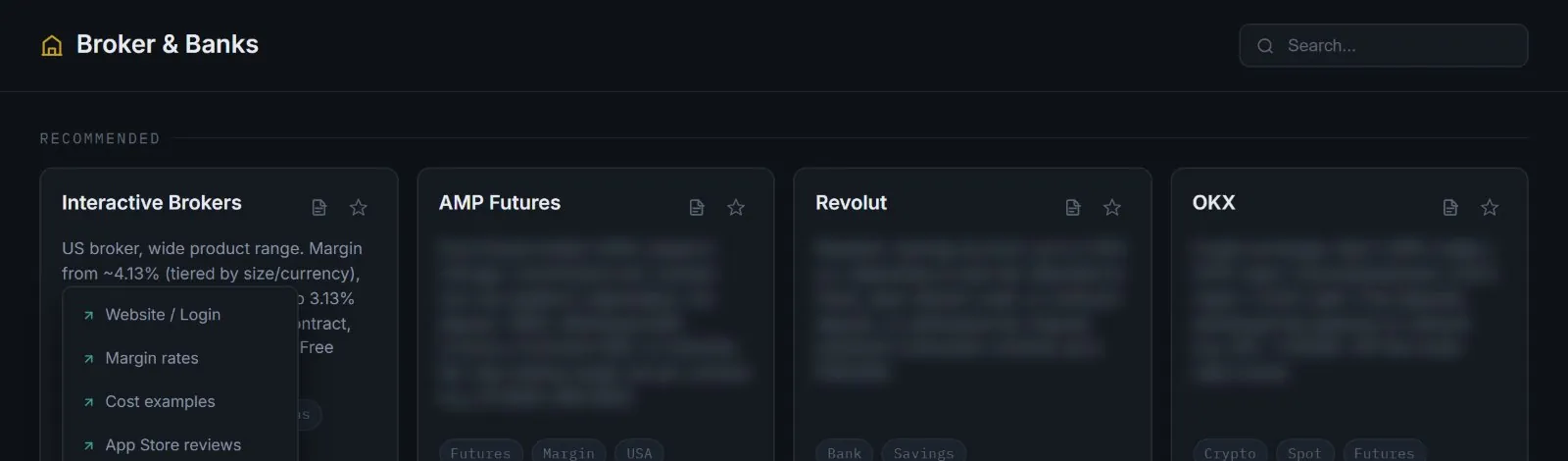
Brokers & banks, with the links that matter
Each broker has a short, plain read: products, margin, commissions, what stands out. The links go straight to the provider’s own pages — margin rates, cost examples and reviews, not the homepage.
- Tags for futures, options, margin, crypto, savings
- A star rating from public review data
- Your own note on every entry
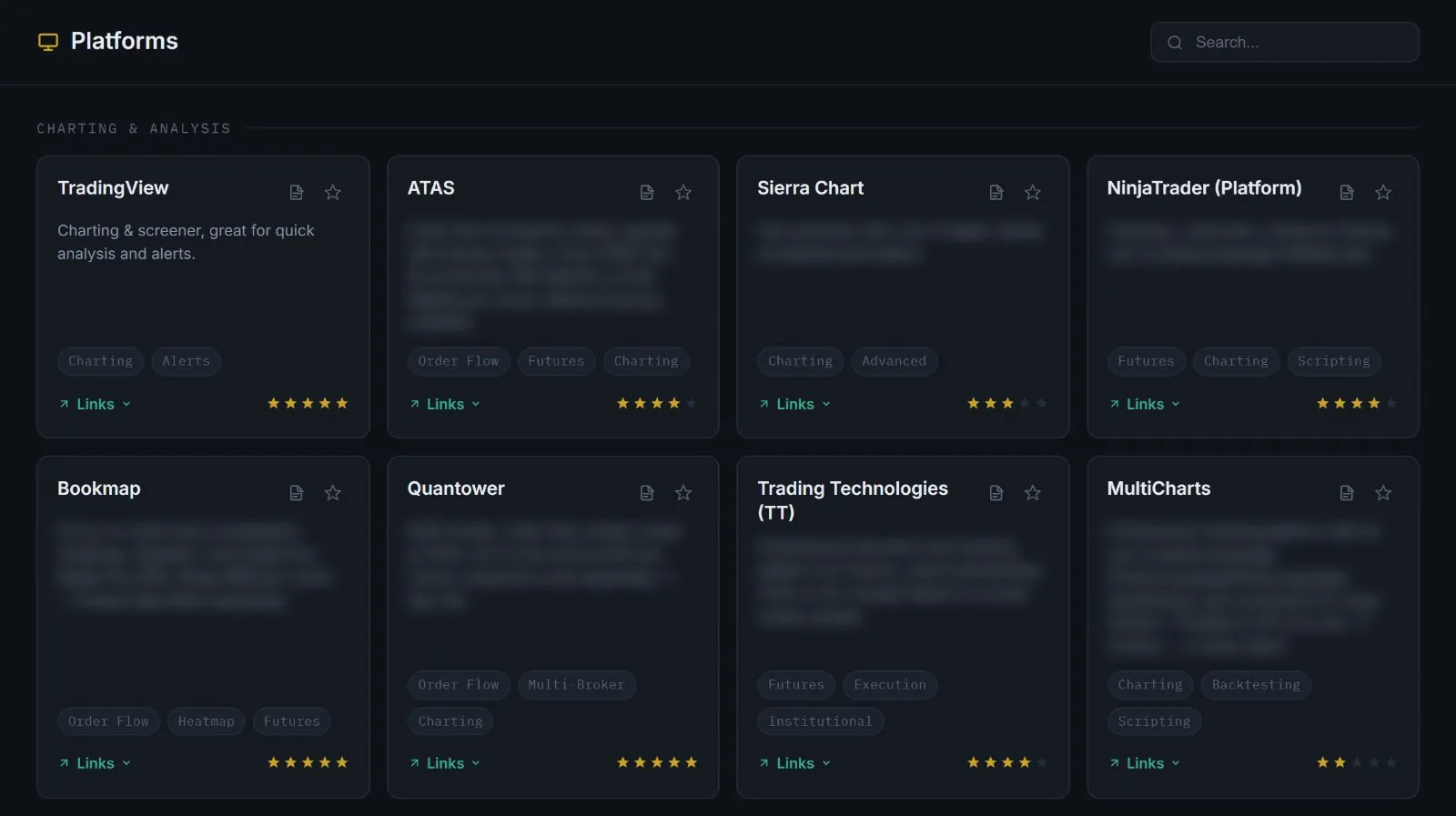
Platforms for charting, order flow and execution
48 platforms grouped by what they are for — from charting and order flow to execution and backtesting — with their price tiers where the provider publishes them.
- Grouped by use, not by brand
- Price tiers and free versions named
- Weak review samples called out as weak
Built on
named on every panel in the appprovider websites and price pages · public review platforms