Sounds familiar?
What gets in the way today.
The statement says what, never why.
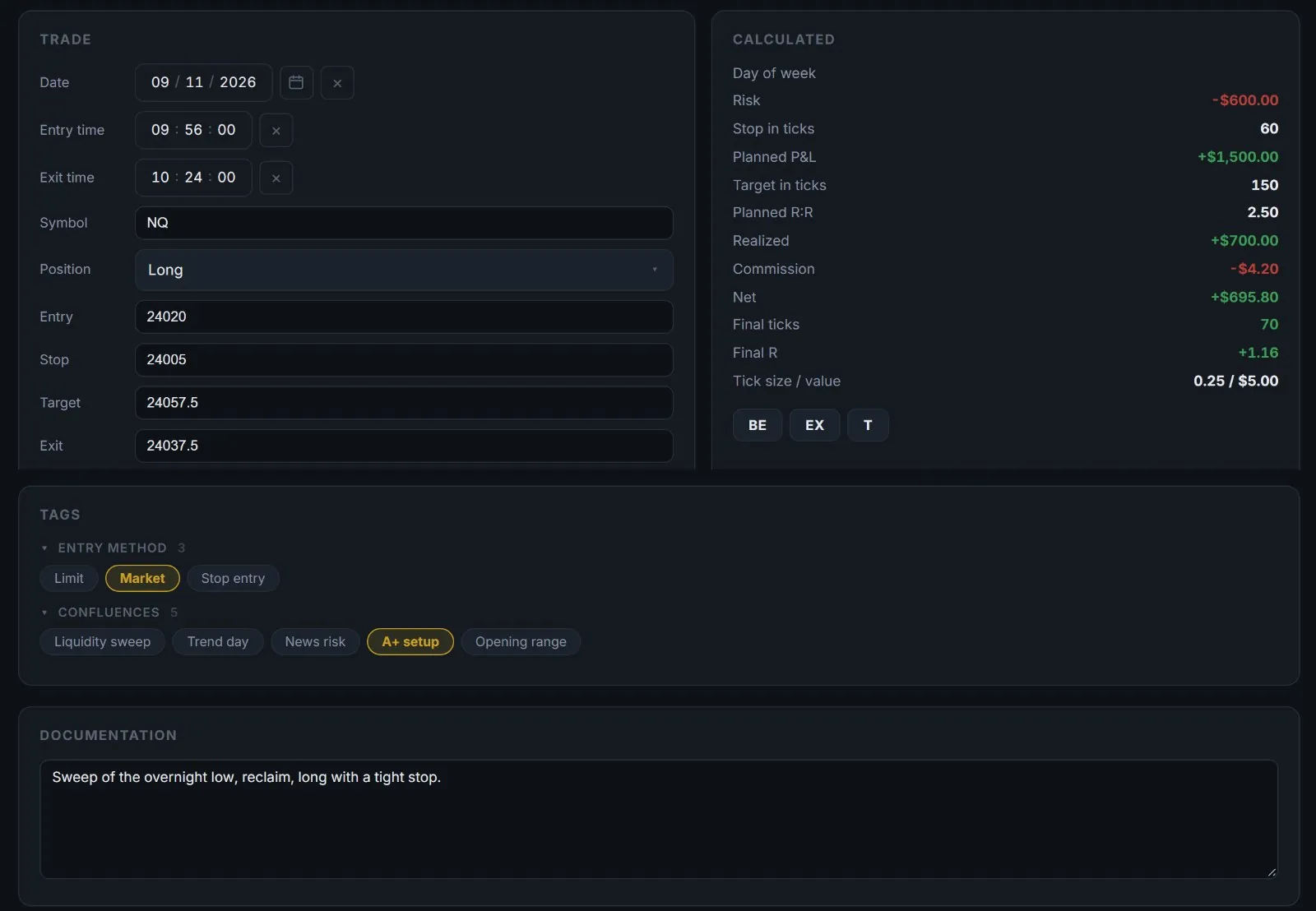
Every trade carries its reason and your closing note.
Backtests and live trades end up in one sheet.
Separate tabs, separate statistics.
You can’t tell which setup pays.
Tags and methods turn into win rate and R per setup.
Reviews become memory contests.
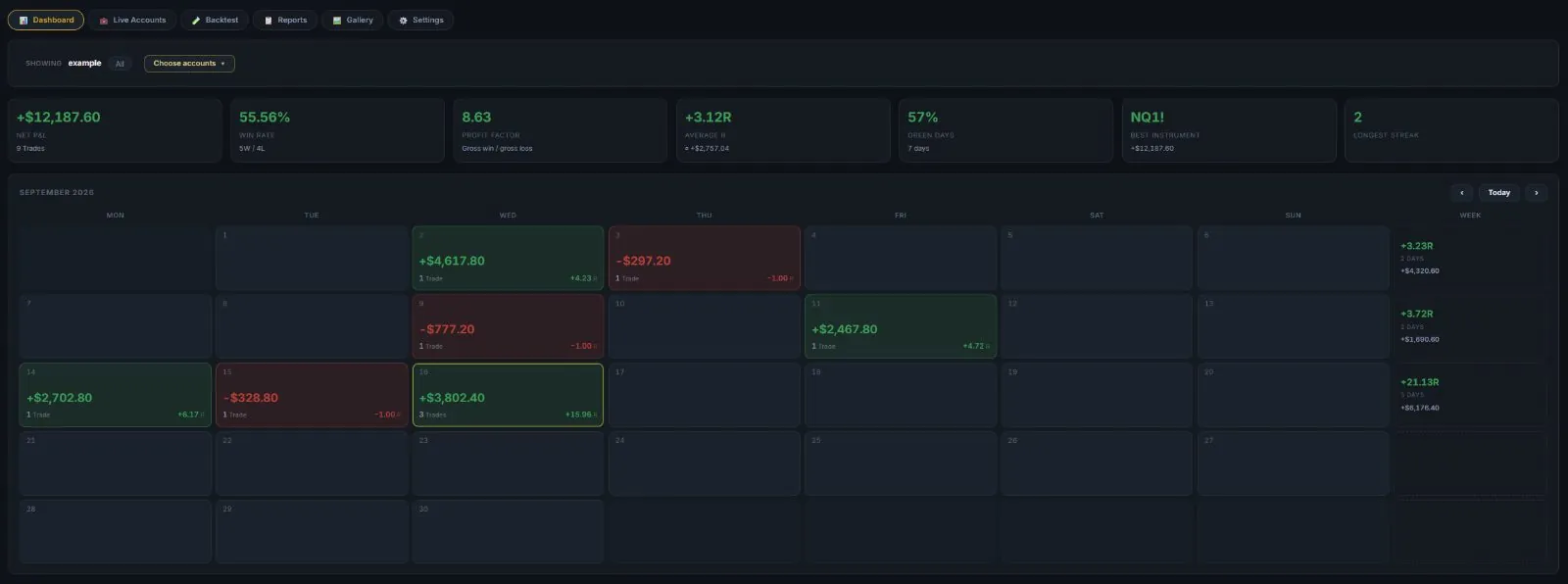
Saved reports that stay up to date and print as PDF.
With DESK
What changes.
01
One entry per trade
Type it in, import a CSV, or paste a position from your charting tool. Risk, planned R:R and the result are calculated for you.
Journal →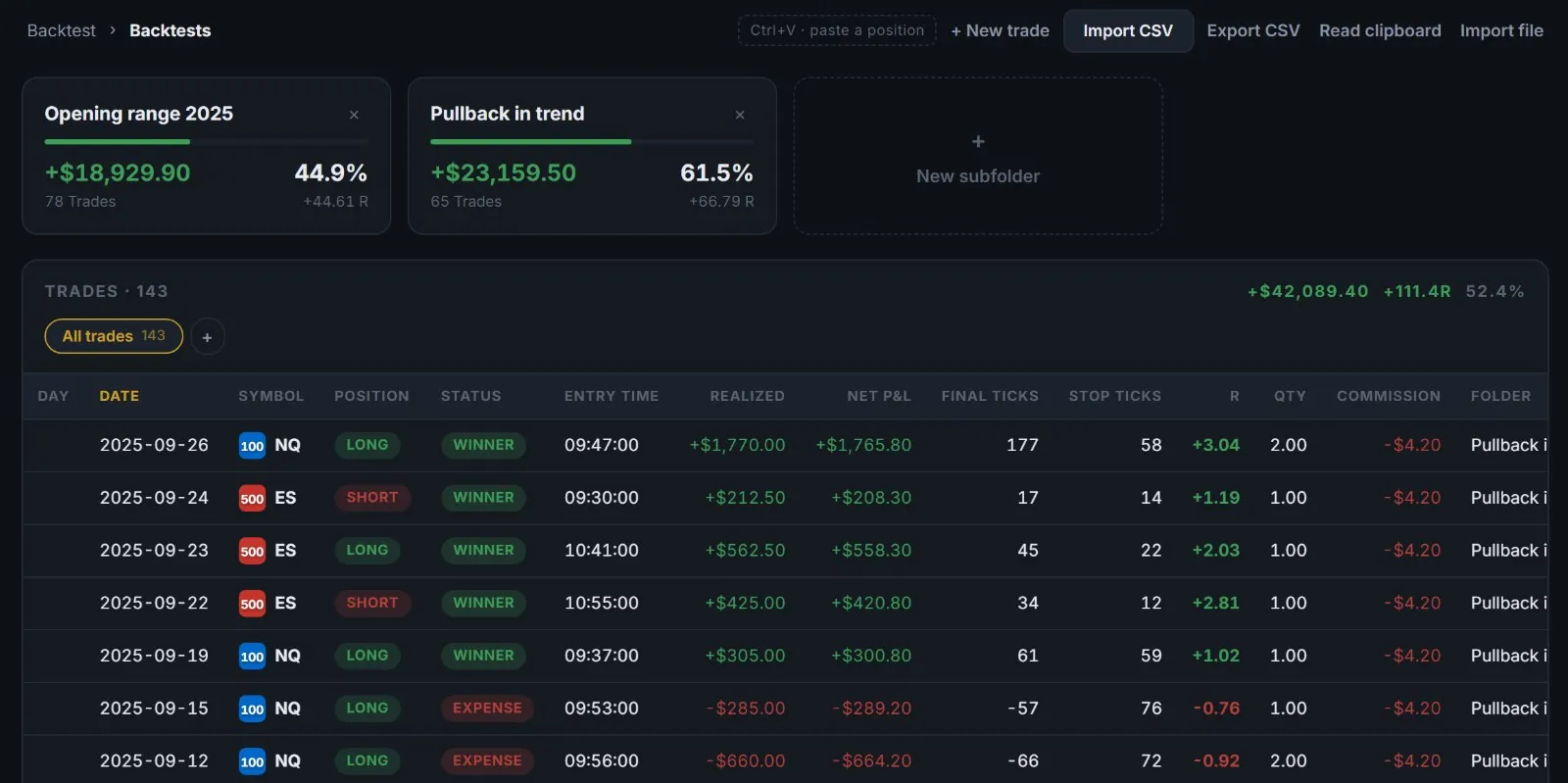
02
Tests stay tests
Backtests get their own tab and their own folders, so a good test never flatters your live numbers.
Journal →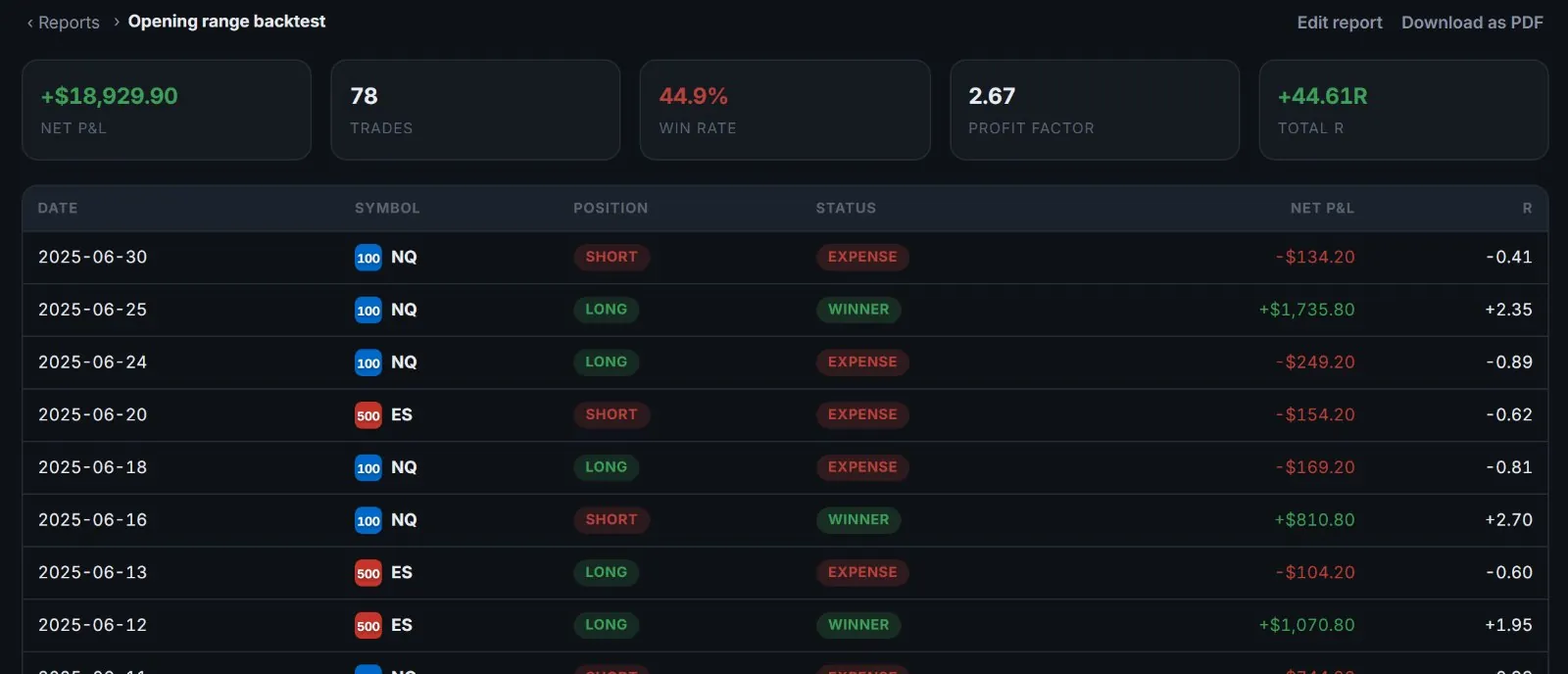
03
Ask your record a question
“Longs in the last 30 trading days” or “the opening range test” — a report is a saved question that keeps answering.
Journal →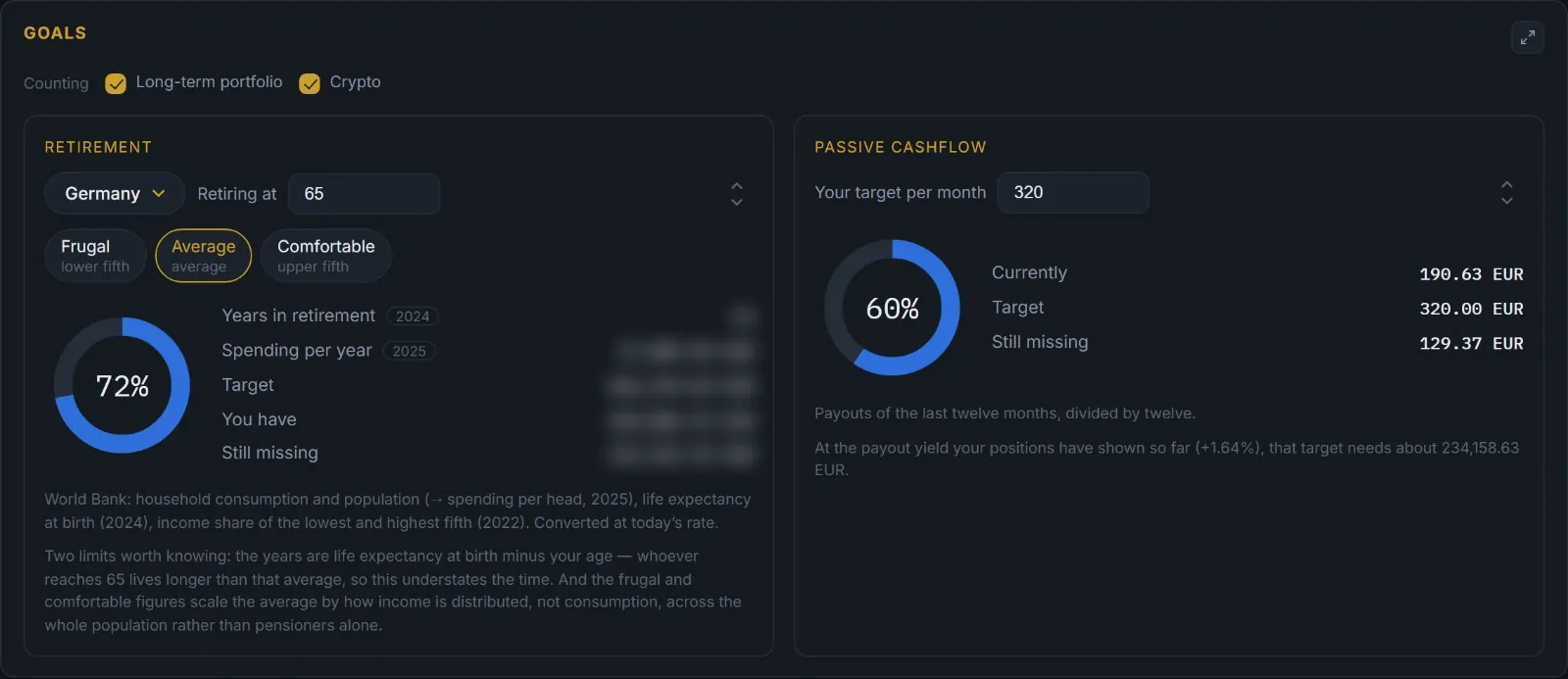
04
DESKPROThe long view
Beyond trading: holdings, dividends and a plan for the years ahead, in the same account.
Portfolio →A routine
How a week can look.
- After each trade
Log it while it is fresh — a pasted position takes seconds.
- Friday
Read the week column in the calendar. One sentence on what to repeat.
- Month end
Run your reports and save the PDF.
- Every quarter
Put the backtest next to the live account and look for the gap.
Where to start
Three steps for the first hour.
What DESK doesn’t do
Your entries stay private to your account. DESK reads the files you import; it never connects to your broker.
Related